| Course | |||||
|---|---|---|---|---|---|
 | A$110.00 Course Extensions The 30 Day Extension offers a focused, time-efficient way to complete your remaining course requirements. This option is designed for participants who are close to finishing and simply need a little extra space to wrap up the course or revisit... | ||||
 | A$220.00 Course Extensions The 90 Day Extension provides a longer, more flexible timeframe for participants who need extended access to course materials. This option is well-suited to those balancing work and personal commitments along with professional development. With... | ||||
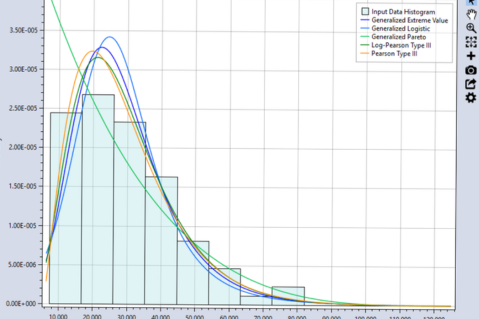 | A$295.00 Flood & Risk Analysis This course provides a practical, hands-on introduction to RMC-BestFit, the USACE Risk Management Center's statistical analysis software for flood frequency studies. Participants will learn how to acquire and prepare hydrologic data, perform... | ||||
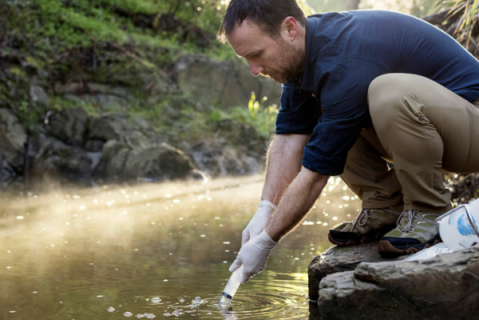 | A$695.00 Water Quality Environmental DNA (eDNA) is transforming how we understand and monitor aquatic ecosystems, offering a powerful, non‑invasive way to detect species and assess biodiversity. This course introduces participants to the science behind eDNA and its... | ||||
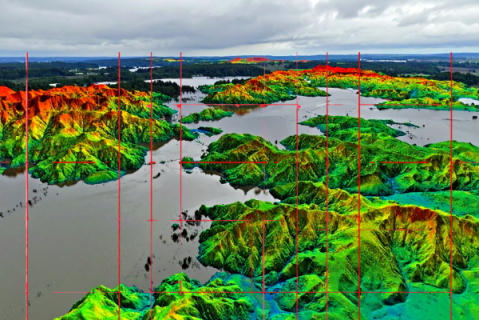 | A$990.00 QGIS This course introduces participants to the rapidly evolving world of 3D geospatial data, with a clear focus on water management and hydrological analysis. Working with real‑world LiDAR, photogrammetry and drone‑derived point clouds,... | ||||
 | A$990.00 Python Generative AI has made it easier than ever to produce code, but understanding Python’s core capabilities is still essential, especially for hydrologists working with spatial data, time series and large environmental datasets. This course... | ||||
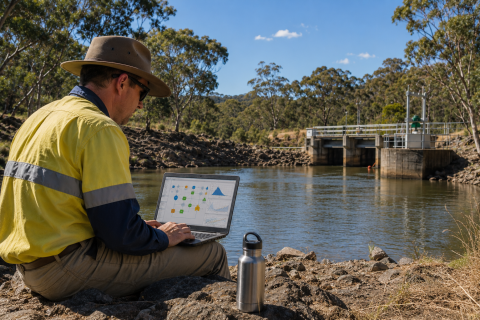 | A$990.00 GoldSim GoldSim is transforming how engineers, scientists, and planners model complex systems, offering a powerful, visual way to simulate uncertainty and change over time. This highly practical course introduces participants to probabilistic, dynamic... | ||||
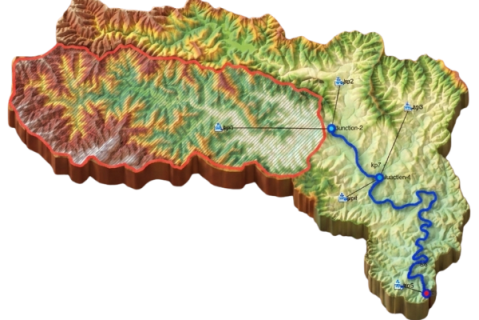 | A$2,200.00 HEC-HMS In this 8‑session course, participants build practical, end‑to‑end capability in rainfall–runoff modelling using the free HEC‑HMS (Hydrologic Modeling System) software tool. The course is designed to introduce the core concepts behind... | ||||
 | A$325.00 ARR Training Series (OS-21-8-009) In this 3-hour intensive on-demand training course our experts will guide attendees through the importance of design rainfall for flood estimation. Attendees will increase their knowledge of the different rainfall related design inputs in... | ||||
 | A$325.00 ARR Training Series (OS-21-8-009) On-Demand course details can be found here:
https://awschool.com.au/training/arr-flood-frequency-analysis |


 Log in with Facebook
  Log in with Google
  Log in with LinkedIn